Connect your community.
Start with a Telegram bot for your community. Create it during setup, then share it with your members.

Turn community questions into tickets. Keep the conversation, share the work, and follow up from one workspace. Available for Telegram today.
Get startedSign in with Telegram. No separate password.
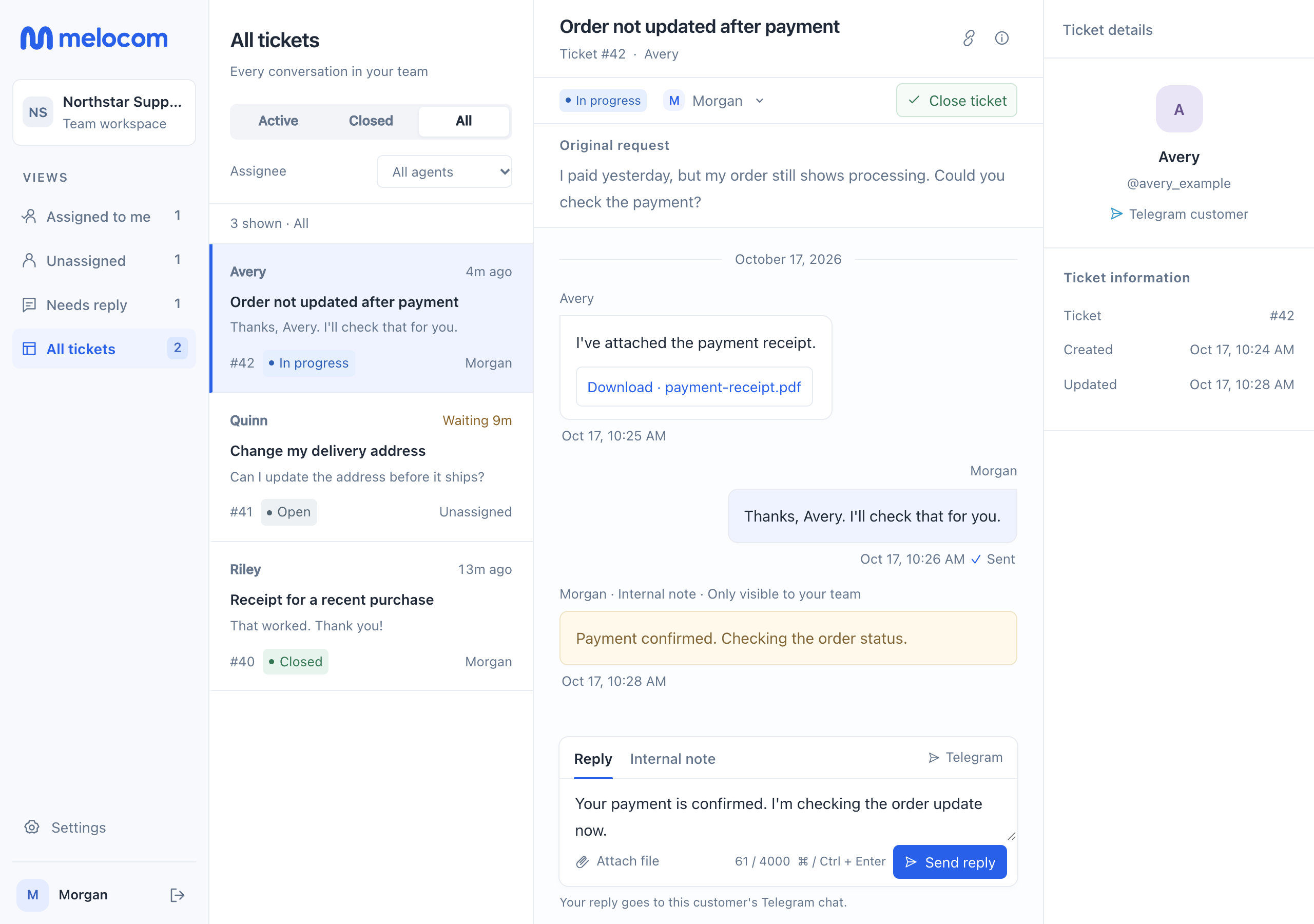
Keep questions, replies, and next steps together, so your team can pick up where someone left off.
Start with a Telegram bot for your community. Create it during setup, then share it with your members.
Members describe their issue in chat or open a simple form. Photos, files, and follow-ups stay with the ticket.
Read the conversation, assign a ticket, and reply from your browser or the agent Mini App. Close it when it's resolved.

Members can open a form from your bot to add a title, description, and files. They can also follow the prompts in chat.
After submitting, they can open the ticket again to check its status and add a reply. Your answers appear in the ticket and their Telegram chat.
One ticket history, whichever way they reply.
Create your team, connect its bot, and open your workspace.